
 Approved Listing
iPhone / iPad
Add the app to your iPhone
Your own app icon — from Chrome or SafariShare → Add to Home Screen → Add. Then open the Lawa Sardargarh icon on your Home Screen: your village app opens in its own window, without the browser address bar.
- Open your browser’s Share menu
Chrome: tap Share to the right of the address bar.
Safari: tap Page Menu → Share, or the Share icon directly if shown.
- Add to Home Screen
Scroll down in the Share menu and choose this option.
- Turn on Open as Web App, then Add
If the switch appears, leave it on. Confirm Add to save the icon.
- Open the icon on your Home Screen
Leave the browser and tap the Lawa Sardargarh icon. From now on, open your village app using this icon.
Cannot see Add to Home Screen?
In Safari, open Edit Actions at the bottom of the Share menu and add Add to Home Screen. In Chrome, scroll through the Share options. If it is still missing, update Chrome and iOS or use Safari. If you opened the link inside WhatsApp or Instagram, open it in Chrome or Safari first.
This button opens the website. To install, confirm Add in your browser using the steps above.
Village Directory
Lawa Sardargarh
Sabhi local business, services, events aur updates ek hi jagah.
Find what you need
View all Approved Listing Approved Listing Approved Listing
 Approved Listing Approved Listing
 Approved Listing
Around the village
News 30 Sep 2026लावा सरदारगढ़ में गूँजेगा राम नाम: 3 अक्टूबर सुबह 7:15 बजे से 48 घंटे की रामधुन
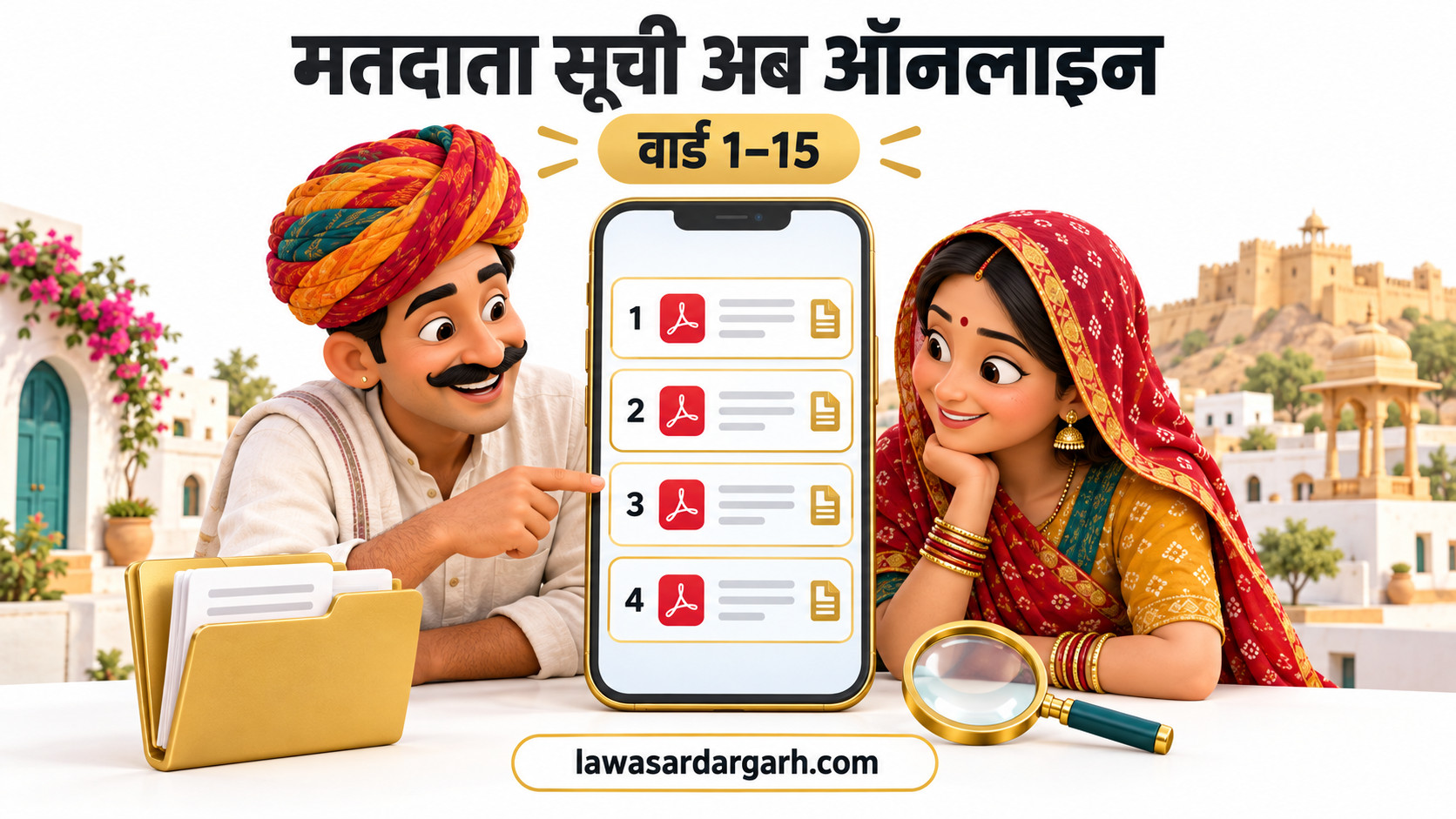 29 Sep 2026लावा सरदारगढ़ के सभी 15 वार्डों की मतदाता सूची अब ऑनलाइन, वेबसाइट से देखें और डाउनलोड करें
OUR COMMUNITY
A little closer to home.
Explore village events, local plans and the community opinion poll.

Keep your village closeAdd this app to your Home Screen.

Discover your village
Find local shops, services and people nearby.